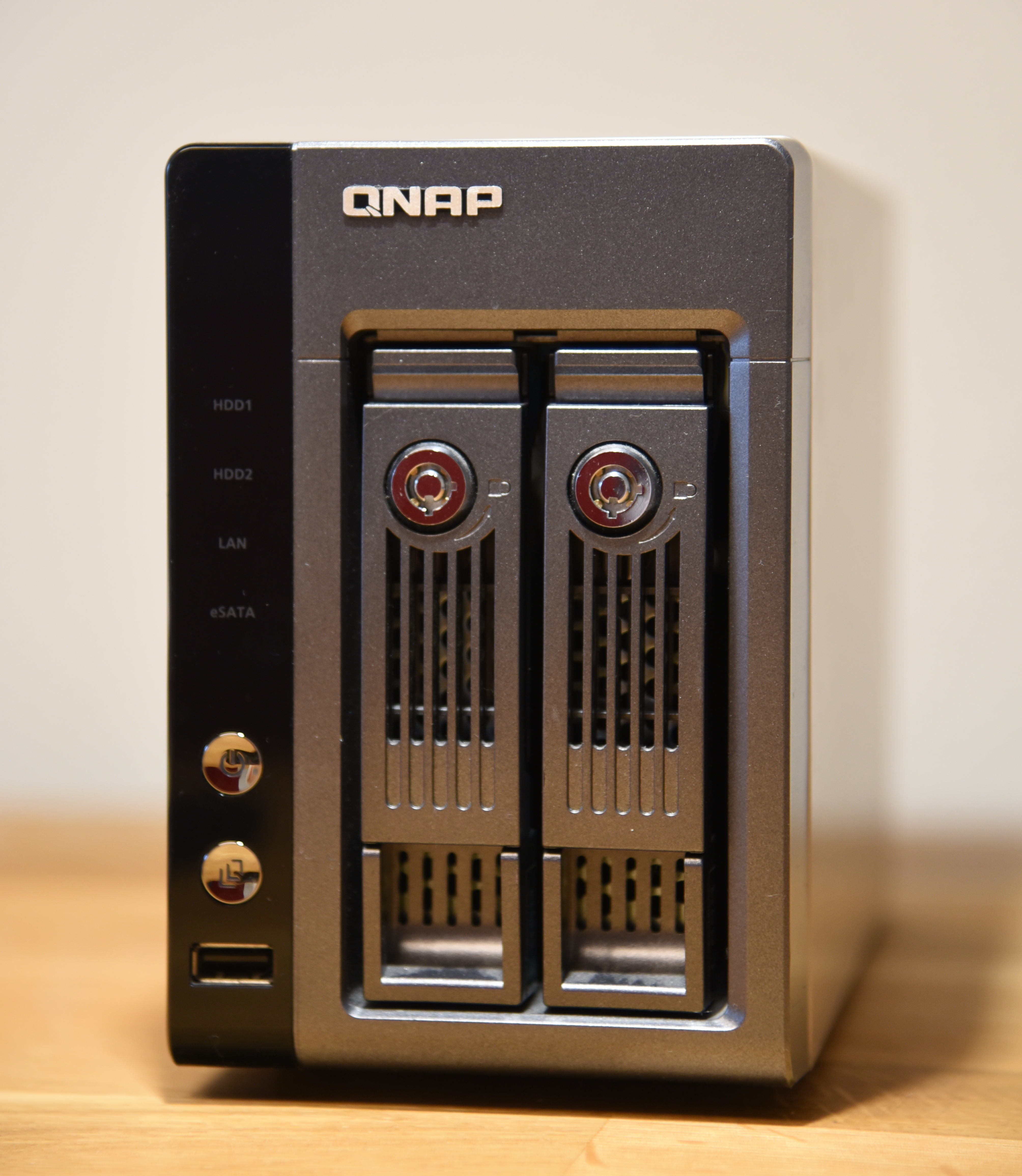
QNAP TS-219P Turbo NAS
Storage resource
QNAP TS-219P Turbo NAS
The QNAP TS-219P still makes sense when the goal is simple: keep shared files, backups, and media on a dependable two-bay box instead of scattering them across random external drives.
Why readers still look up this model
Older NAS units in this class are often reused as home backup targets, light office file servers, or media libraries. The questions are usually the same: are the disks healthy, is the network setup clean, and does the box still fit the workload without becoming the weakest point in the room.
For readers comparing older storage appliances with newer options, it helps to review basic NAS use cases, retention habits, and backup discipline. QNAP’s general NAS overview, independent backup guidance from Backblaze’s 3-2-1 backup guide, and the broader definition from TechTarget’s NAS reference all frame the same point: shared storage works best when it is paired with a repeatable backup routine, not treated as the only copy.
What to check before putting an older NAS back into daily use
Drive health
Start with the disks, not the enclosure. Review SMART status, listen for abnormal seek noise, and be realistic about how many power-on hours the drives already carry.
Network role
Decide whether the NAS will handle shared folders, scheduled backups, media streaming, or all three. A narrow role is easier to secure and maintain.
Backup policy
A NAS is valuable, but it is not a substitute for a second backup target. The NIST Cybersecurity Framework remains useful here because it pushes teams and households toward clear recovery steps instead of guesswork.
Best-fit workload for a two-bay unit
A unit like the TS-219P is strongest when the workload stays predictable: family photos, office documents, routine PC backups, and a modest media library. It is less convincing when the plan involves heavy virtualization, large multi-user editing projects, or modern high-throughput workloads that belong on newer hardware.
- Good fit: home backup target, shared file vault, light media archive.
- Marginal fit: always-on sync hub for many active users.
- Poor fit: demanding creative teams, lab workloads, or modern AI/VM experiments.
If the enclosure is stable and the disks are fresh, an older two-bay NAS can still be useful. If the project needs faster networking, bigger rebuild windows, or more flexible apps, starting with QNAP’s current product direction at QNAP will give a clearer picture of what modern entry and prosumer storage now includes.
Practical takeaway
The smart way to judge an older NAS is not nostalgia. It is whether the box can still provide stable shared storage, predictable backups, and quiet daily operation without becoming a maintenance burden.
Readers who want more hardware references can browse the rest of the MaximoNET blog index for additional board, GPU, and platform coverage.