Guía Overclock Socket 1156 en GIGABYTE H55M-USB 3.0
Overclocking guide
Guía Overclock Socket 1156 en GIGABYTE H55M-USB 3.0
This guide is designed for builders working with Intel’s Lynnfield and Clarkdale-era systems who want a safer, more orderly path to tuning on the GIGABYTE H55M-USB 3.0.
A motherboard-first view keeps the focus on BIOS behavior, cooling, and board layout.
Why this coverage still matters
Socket 1156 tuning works best when you think in systems, not just clocks. The board, memory, cooling path, and voltage discipline all matter. That is especially true on smaller boards where airflow and heatsink clearance leave less room for mistakes.
What stands out
- Clearer path for first-pass BIOS changes
- Useful for rescuing older systems that still feel responsive
- Strong educational value for understanding pre-turbo-era tuning habits
What to watch
- Heat rises quickly when voltage increases are careless
- Small-form-factor layouts demand attention to fan placement
- Stability testing is mandatory before daily use
A stable process beats a heroic screenshot
Start with cooling, update the BIOS if needed, then move in small steps: base clock, memory multipliers, and voltage only when required. Understanding the Nehalem family helps because many habits from that era still apply: watch temperatures under load, validate with repeatable tests, and back off when small gains start demanding disproportionate voltage.
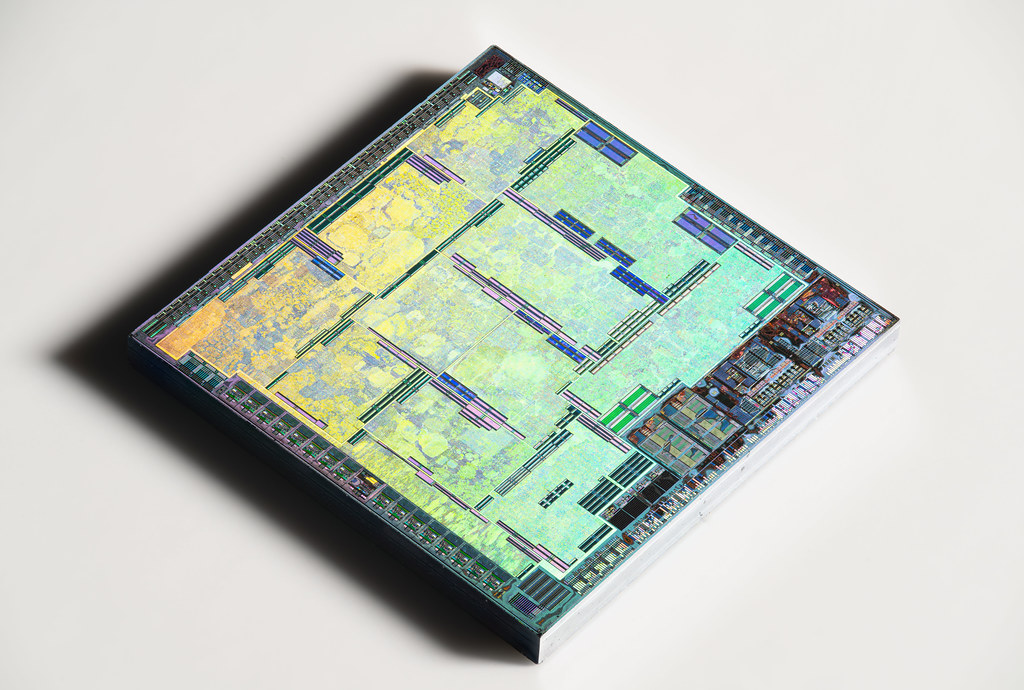
Circuit detail reinforces the point that board limits matter as much as CPU ambition.
What makes the H55M-USB 3.0 a practical guide platform
It is compact enough to expose real cooling limits, but still feature-complete enough to illustrate good BIOS discipline. That makes it a sensible teaching platform for readers who want a repeatable method instead of folklore.
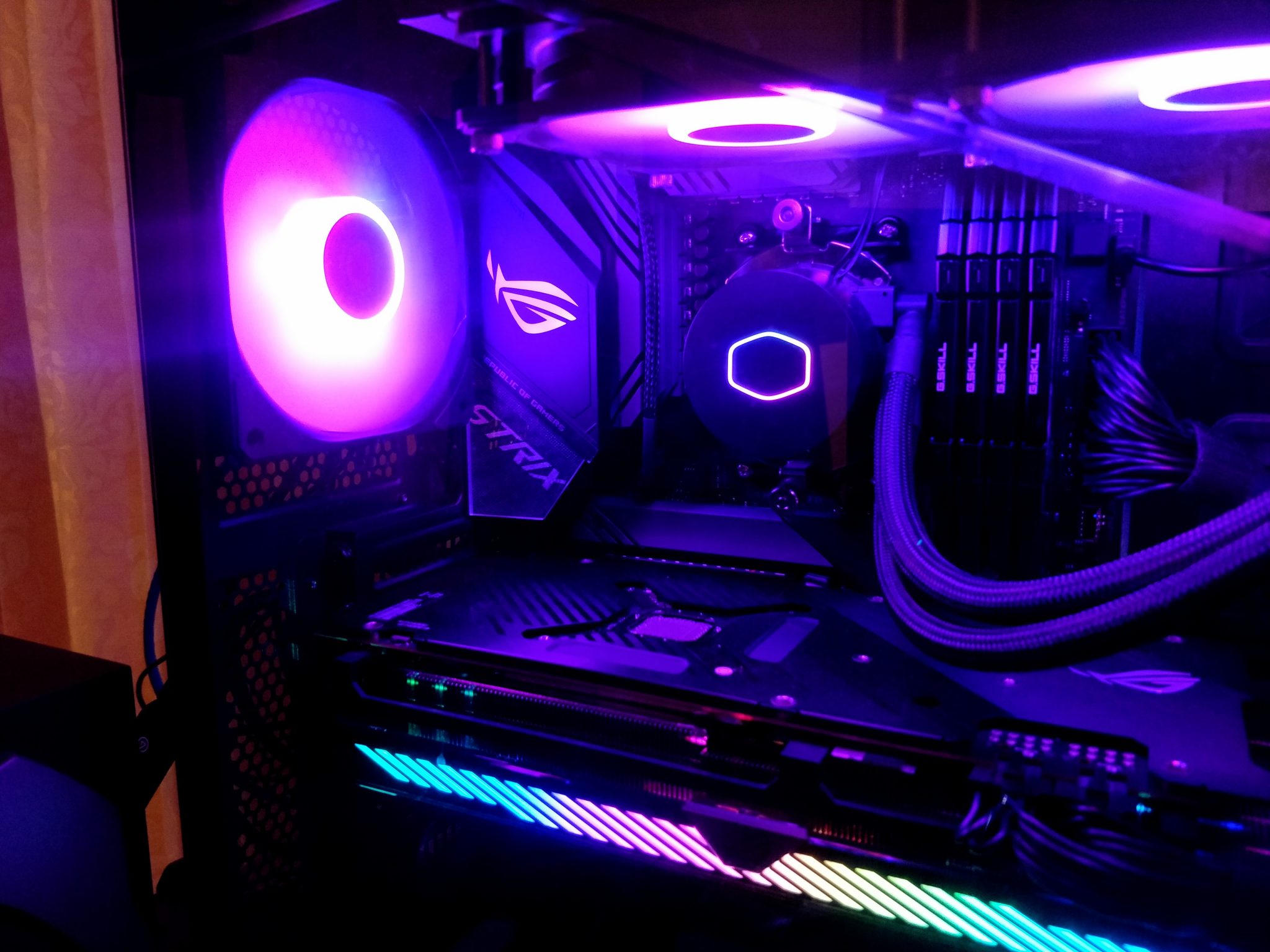
Even modest overclocks benefit from a tidy case interior and predictable airflow.
FAQ
Is this guide about extreme tuning?
No. It is about stable, sustainable tuning that respects thermal limits and the age of the hardware.
What should you monitor first?
CPU temperature, board temperature around the VRM area, and whether memory settings stay within sensible limits.
Keep the research moving
If you are comparing platforms rather than tuning one, the motherboard coverage under Artículos is the better next step.