Why SSDs Still Matter for Gaming in 2026: Faster Loads, Bigger Worlds, and Better Storage Choices
Why SSDs Still Matter for Gaming in 2026: Faster Loads, Bigger Worlds, and Better Storage Choices
If you play modern games on a PC or console, storage still matters. Not because an SSD magically raises your frame rate in every game, but because it changes how quickly games start, how smoothly large worlds stream, and how much patience you need for updates, installs, and menu navigation. The useful question is not “SSD or no SSD?” anymore. It is which SSD fits your platform, budget, and library.
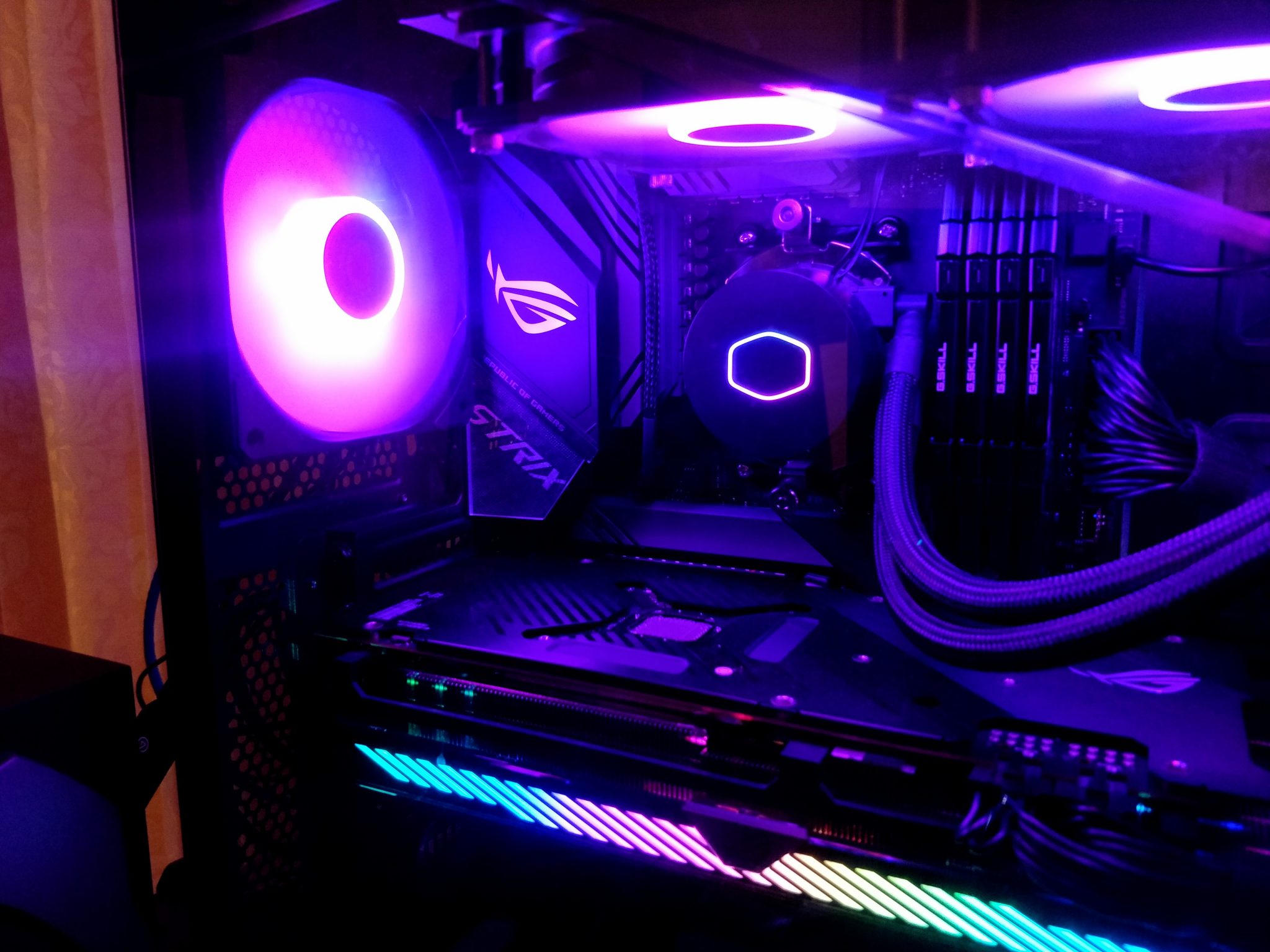
Microsoft’s DirectStorage documentation makes the core point plainly: modern games can use high-speed NVMe SSDs with less CPU overhead. PlayStation’s support pages also confirm that PS5 storage expansion relies on compatible M.2 NVMe SSDs and that expanded storage is used for downloading, copying, and launching games. That is the shape of the story in 2026. Storage is still part of the gaming experience, even if it is not the only part.
What SSDs improve in games
For most players, the biggest gains are practical rather than dramatic:
- Shorter load times when launching games or moving between areas.
- Faster asset streaming in open-world and high-detail games.
- Quicker installs and patches when the game or platform is writing a lot of data.
- Snappier menus and library browsing on systems that lean on local storage.
That is the everyday value proposition. Samsung’s current gaming SSD guidance still centers on faster load screens and room for larger libraries, which matches what most players feel in real use. If you keep a lot of large games installed, the storage drive becomes part of the rhythm of play, not just a background component.
What SSDs do not improve much
This is the part worth saying carefully: an SSD does not automatically increase raw FPS. Frame rate is usually limited by the GPU, CPU, game engine, or settings long before storage becomes the bottleneck. In a GPU-bound game, swapping from SATA SSD to NVMe SSD will usually do very little to your average frame rate. The difference shows up elsewhere: waiting less, stuttering less during asset movement, and spending less time staring at progress bars.
That distinction matters because it keeps expectations honest. An SSD is a quality-of-life upgrade first, and a performance enabler for certain game behaviors second. It is not a universal miracle worker. The universe remains stubbornly technical like that.
NVMe vs SATA for gaming: when it matters
For many players, a SATA SSD is already a major upgrade over an HDD. If you are still on a hard drive, moving to modern storage of any kind will usually feel like a huge step forward in boot speed, game launches, and general responsiveness.
NVMe becomes more interesting when you care about:
- large open-world titles with constant asset streaming,
- very large game libraries,
- fast patching and file operations,
- platforms or engines that can actually use the extra bandwidth.
There is still a practical ceiling. Some older games barely care which SSD you use. Others are designed around faster storage and benefit more. The sensible approach is to treat NVMe as a forward-looking choice, not a promise that every title will suddenly behave differently.
DirectStorage makes fast storage more relevant
DirectStorage changes the conversation because it shifts more of the loading work toward the storage path and away from the CPU. That does not mean every PC game uses it the same way, or that every title needs it to run well. It does mean the platform direction is clear: game engines are increasingly built to move large amounts of data quickly.
For readers who want the source material, Microsoft’s DirectStorage portal is the best place to start, and NVIDIA’s technical overview of GDeflate for DirectStorage gives useful context on why modern game loading is increasingly tied to storage plus decompression rather than raw disk speed alone. In plain English: game assets are bigger, engines are more ambitious, and storage is more deeply involved in how quickly those assets reach the screen.
Console angle: PS5 storage expansion
The console side is simpler, but it makes the same point. Sony’s support guide for adding an M.2 SSD to a PS5 confirms that the platform expects compatible NVMe expansion and that installed storage can be used for games and apps. The important takeaway is not a shopping list of heroic specs. It is compatibility. Choose an SSD that meets the console’s published requirements, and do not assume every drive with an impressive sticker will behave correctly.
If you also want a practical hardware companion on the PC side, our guide to the Gigabyte H67MA-UD2H is a useful reminder that storage choices often depend on the platform you already own.
How to choose a gaming SSD
When you are buying for gaming, the decision usually comes down to five things:
| Factor | What to look for | Why it matters |
|---|---|---|
| Capacity | Enough room for your current library plus updates | Modern games are large, and being short on space gets old fast |
| Interface | SATA for value, NVMe for newer systems and faster transfers | Helps match the drive to your platform and workload |
| Heatsink / thermals | Needed for some M.2 installs, especially in cramped cases or consoles | Thermal throttling can erase some of the benefit |
| Endurance | Reasonable write ratings from a reputable brand | Useful if you install, move, and update games often |
| Price | The best value per gigabyte you can buy from a trustworthy source | For gaming, value usually matters more than chasing the top spec sheet |
A graphics card review can tell you a lot about rendering performance, but storage is a separate decision. If your GPU is ready and your drive is not, you will feel the bottleneck in different places.
Practical buying advice by type of player
- Casual players: a good SATA SSD may be all you need if you mostly play a few games and want a solid upgrade from an HDD.
- Competitive players: focus on a reliable SSD with good system responsiveness and enough room to keep frequently played titles installed.
- Large-library owners: prioritize capacity first, then move up to NVMe if your platform supports it and the price is reasonable.
- Console players: follow the manufacturer’s compatibility guide closely before buying an expansion drive.
If you want a second opinion on how a modern storage setup fits into the rest of a gaming rig, see our About MaximoNET page for the site’s broader hardware focus, or use contact if you are comparing builds and want a place to start.
Quick checklist: when to upgrade
- You still boot or game from an HDD.
- Your current SSD is too small and forces constant uninstalling.
- You play large open-world games or constantly expanding live-service titles.
- Your platform supports NVMe and you want better headroom for future games.
- You need a faster, simpler storage setup for installs, patches, and loading screens.
There is a simple rule underneath all of this: buy for the way you actually play. If you mainly want less waiting, an SSD is still one of the most meaningful upgrades you can make. If you want more FPS, spend the next dollar where the frame rate really lives. Both can be true, which is annoyingly convenient for good advice.
Useful takeaway: SSDs still matter in 2026 because modern games are larger, more stream-heavy, and more storage-aware than before. Choose SATA or NVMe based on your platform, your library size, and how much you value faster loading over raw frame-rate gains.
Sources referenced in this guide: Microsoft DirectStorage documentation, Sony PS5 storage expansion support, Samsung gaming SSD guidance, and NVIDIA’s DirectStorage technical overview.