Top 10 Essential Tools for PC Building
Building a PC feels a little like a weekend project and a little like a puzzle where one missing screwdriver can make you question your life choices. The good news: you do not need a giant workshop to get it done. A small set of reliable tools will make the whole process smoother, safer, and far less stressful.
If you are planning your first build, think of this as your starter checklist. If you have built before, you may still find one or two small upgrades that make the job easier. And if you want more general hardware guides, you can always browse the blog or return to the home page for the main MaximoNET sections. For support beyond the DIY route, see our services page.
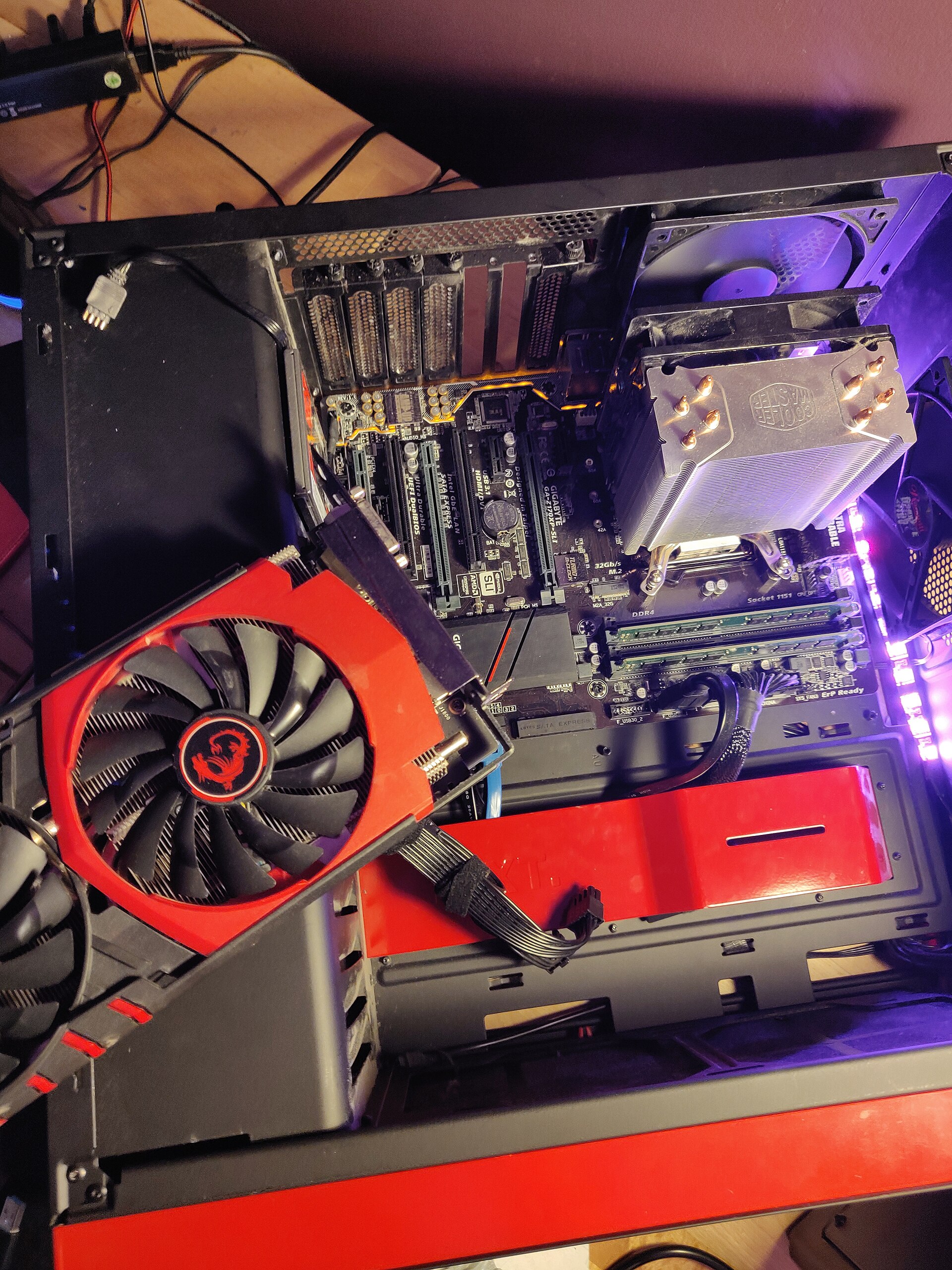
The top 10 essential tools for PC building
1. Phillips screwdriver
This is the tool you will use most often. A medium-sized Phillips screwdriver fits most PC screws, from the motherboard to the case panels. A magnetic tip is helpful because tiny screws love to hide in awkward places. If you have ever watched a screw roll under a desk, you already know the drama.
Practical tip: keep one short screwdriver and one standard-length model nearby. The shorter one is great for tight spaces around the graphics card and CPU cooler.
2. Flathead screwdriver
A flathead screwdriver is not the star of the show, but it earns its spot in the kit. It can help with some case screws, standoffs, or cable clamp adjustments. It is also useful when a stubborn screw needs a little extra persuasion without turning into a tiny disaster.
3. Small wrench or nut driver
Some cases and accessories use hex standoffs or small nuts. A compact wrench or nut driver makes those jobs easier than trying to improvise with the wrong tool. It is one of those items you do not need every day, but when you do need it, you will be very glad it is there.
4. Anti-static wrist strap
Static electricity can damage delicate parts, even if you do not feel a zap. An anti-static wrist strap helps ground you while you work, which lowers the risk of accidental damage to the motherboard, RAM, or graphics card. According to Crucial’s guide to preventing static shock, simple precautions can protect expensive parts with very little effort.
Practical tip: clip the strap to an unpainted metal part of the case before touching components. If you do not use a strap, ground yourself often and avoid shuffling around on carpet like you are training for a science-fiction lightning scene.
5. Thermal paste applicator or spreader
Thermal paste helps transfer heat from the CPU to the cooler. Some coolers come with paste pre-applied, but many builds still need a fresh application. A small applicator, plastic card, or the cooler’s included tool can help you apply it neatly. For a plain-English refresher, Tom’s Hardware explains proper thermal paste application in a way that is easy to follow.
Practical tip: use only a small amount unless the cooler instructions say otherwise. More paste is not automatically better; it is not frosting.
6. Precision tweezers or needle-nose pliers
These are handy for tiny screws, front-panel connectors, zip ties, and the occasional cable that slips into a place your fingers cannot comfortably reach. They are especially useful if you are working in a compact case where every inch feels rented.
7. Cable ties and Velcro straps
Good cable management is not just about looks. It can improve airflow, make troubleshooting easier, and keep the inside of the case from turning into a spaghetti exhibit. Zip ties are cheap and secure, while Velcro straps are reusable and easier to adjust. If you want a quick visual of why this matters, Intel’s cable management advice offers a practical overview.
Practical tip: route cables loosely first, then tighten them after testing the system. That way you do not end up undoing your own work because one connector needed to move three inches to the left.
8. Cable sleeves or combs
If you want a cleaner look, cable sleeves and combs can make power cables and front-panel wires easier to manage. They are not required for performance, but they can make a build look much tidier. A neat case tends to feel easier to maintain, which is a nice bonus when you open it months later for upgrades.
9. Multimeter
A multimeter helps you check voltages, continuity, and power-related issues. Most first-time builders will not need it for every build, but it is a useful tool if something refuses to power on or if you want to double-check a cable or connector. The Fluke multimeter overview is a solid primer on what these devices do.
Practical tip: if you are not comfortable testing power, start with simple checks and use the manual for your power supply and motherboard. The goal is to be careful, not to become a very stressed robot.
10. Motherboard speaker or basic POST tester
These small tools can help during first boot by giving quick diagnostic clues. A motherboard speaker may produce beep codes, while a POST tester can show error codes during startup. That can save time when you are trying to figure out whether the issue is memory, graphics, or a connector that is almost, but not quite, seated correctly.
Practical tip: keep your motherboard manual nearby and look up the code meanings before panicking. Panic is not listed in the troubleshooting chart.
A simple PC-building checklist
- Phillips screwdriver
- Flathead screwdriver
- Small wrench or nut driver
- Anti-static wrist strap
- Thermal paste applicator or spreader
- Precision tweezers or needle-nose pliers
- Cable ties and Velcro straps
- Cable sleeves or combs
- Multimeter
- Motherboard speaker or POST tester
Final thoughts
You do not need a professional lab to build a PC well. You just need the right tools, a calm workspace, and enough patience to let one tiny screw behave like it has a future. Start with the basics, add specialty tools as your builds get more ambitious, and remember that a little preparation can save a lot of frustration.
If you are getting ready for your own build, gather your tools before you open the first box. Future you will be grateful, and probably less likely to mutter at the floor.