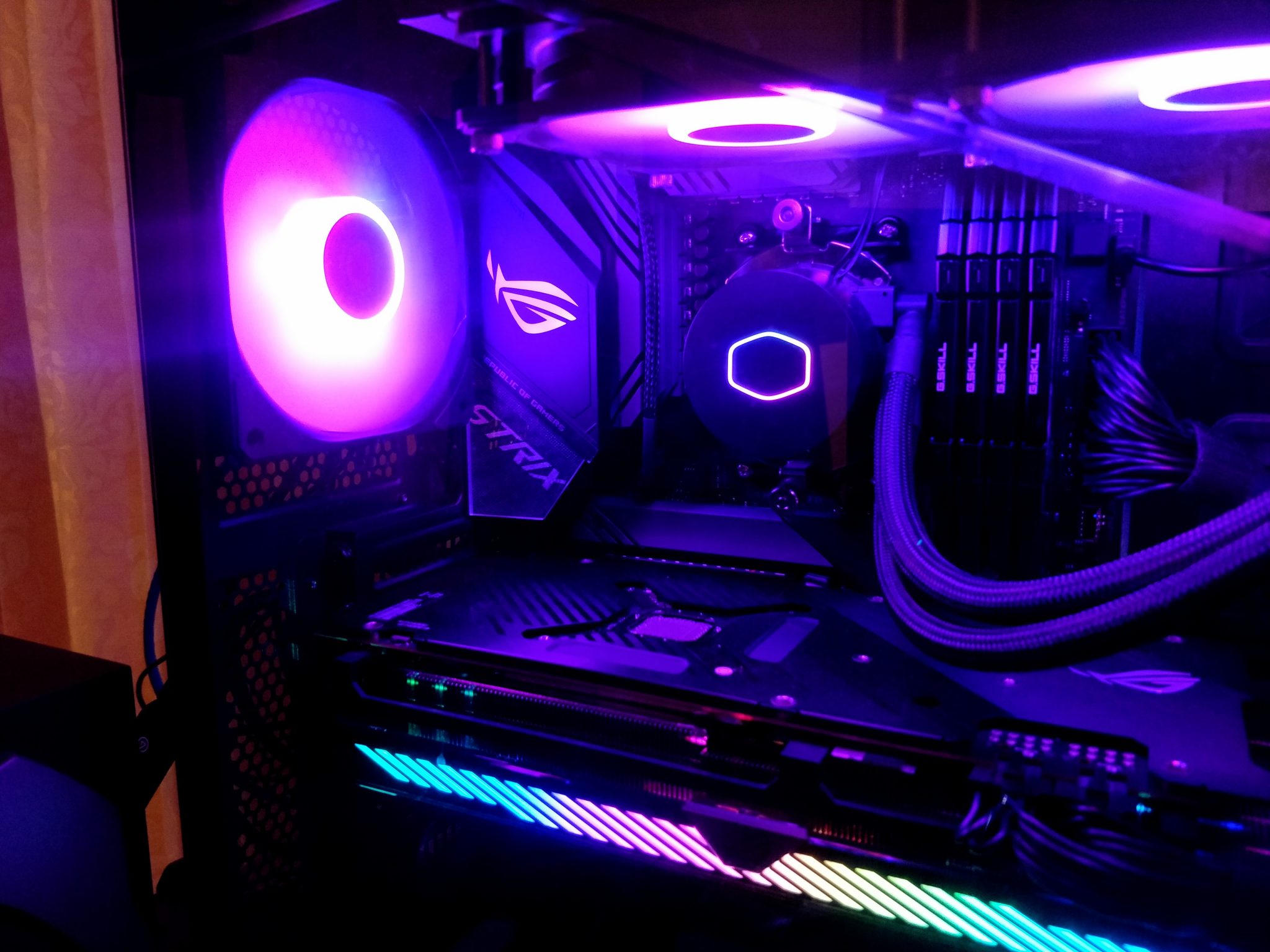
The Importance of Cooling Solutions in Gaming PCs
Heat is part of the bargain in a gaming PC. The question is not whether components will warm up, but whether the system can remove that heat fast enough to keep clocks steady, noise tolerable, and hardware within safe operating limits.

Understanding Heat Generation
Modern gaming PCs generate heat in the CPU, GPU, power delivery components, storage devices, and sometimes the memory itself. Higher frame rates, higher boost clocks, and longer sessions all increase the load. When temperatures rise too far, the system may reduce performance to protect itself. That is thermal throttling, and it usually shows up as lower frame rates, inconsistent frame pacing, or louder fans doing their best impression of a small turbine.
Cooling is therefore not a luxury add-on. It is part of the performance budget. A well-built system can hold boost clocks longer and stay more predictable under load.
Types of Cooling Solutions
There are three common approaches: air cooling, liquid cooling, and hybrid setups. Each can work well when matched to the case, the heat output, and the user’s tolerance for maintenance.
| Cooling type | How it works | Strengths | Tradeoffs |
|---|---|---|---|
| Air cooling | A heatsink and one or more fans move heat away from the CPU or case. | Simple, durable, usually the best value, low maintenance. | Large coolers can limit RAM clearance or case fit; performance depends heavily on airflow. |
| Liquid cooling | A pump moves coolant through a block and radiator, where fans remove the heat. | Good heat transfer, useful in tight builds, often lower noise at moderate loads. | More parts, more cost, occasional pump wear, and more installation complexity. |
| Hybrid cooling | Combines liquid cooling for the CPU or GPU with case fans and direct airflow. | Balanced temperatures and noise when planned well. | Best results depend on case layout and careful fan tuning. |
For a broad U.S. gaming audience, air cooling remains the reasonable default for many builds. Liquid cooling makes more sense when the case is compact, the CPU is especially hot, or low noise under load matters more than upfront cost. For practical guidance on thermal limits and monitoring, Intel’s CPU temperature monitoring guide and AMD’s temperature FAQ are useful starting points.
Choosing the Right Cooling System
The best fit depends on three decision criteria:
- Budget: Air cooling gives the strongest value per dollar.
- Case size: Small cases often favor compact towers or AIO liquid coolers with a radiator that actually fits.
- Performance target: Higher-end CPUs and GPUs need more thermal headroom, especially if you expect long gaming sessions or overclocking.
If you are building a mainstream gaming PC, start with a quality air cooler and two or three case fans. If your build runs hot, or you want a cleaner layout with more room around the socket, step up to a liquid cooler from a reputable manufacturer. The Cooler Master support article on case airflow is a useful reminder that fans only help if air has a clear path through the chassis: Cooler Master airflow basics.
For broader setup context, see the home page and browse the blog for related gaming hardware guides.
Impact on Performance
Cooling affects performance in a direct, measurable way. When temperatures stay under control, boost algorithms can maintain higher clocks for longer periods. In real-world terms, that can mean smoother gameplay during long sessions, fewer sudden performance drops, and less fan noise competing with your headset.
As a practical example, a CPU that repeatedly climbs into thermal limits may drop frequency under sustained load, while the same CPU with a better cooler can hold its boost state more consistently. The result is not always a dramatic benchmark swing, but consistency matters. Consistency is where cooling earns its keep.
For a detailed consumer explanation of why temperatures matter for component life and stability, the overview at Wikipedia’s computer cooling article is a reasonable background reference, though official vendor guidance should carry more weight for specific products.
Conclusion
Effective cooling solutions are essential in gaming PCs because they protect performance, reduce noise, and help components last longer. The right answer depends on the build: air cooling for simplicity and value, liquid cooling for tighter thermal control in demanding systems, and hybrid setups for builders who want to balance both.
If you are unsure where to start, choose the safest reasonable default for your case and budget, then improve airflow before chasing exotic hardware. Heat rarely argues back. It simply collects interest.